Votre emplacement
Les options de livraison diffèrent selon les zones
Connectez-vous pour actualiser votre adresse
You may be wondering how you can add multiple products to your shopping cart. The procedure is simple.
You have already added a product to your basket by following the procedure: How to choose a product
Your basket contains your first item, but you want to add more, so you click on“Continue shopping“.
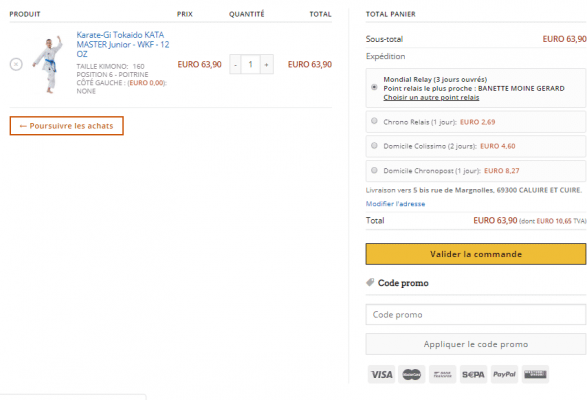
To choose and add the new product to your shopping cart, simply follow the steps below: How to choose a product
In the example below, we’ll add a Arawaza bag to the shopping cart.
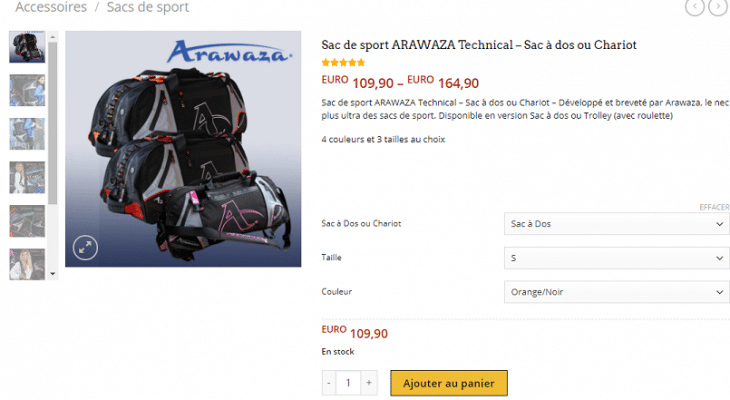
Once you’ve selected your options (size, color, etc.) click on“Add to basket” and your 2nd product will be added to your basket.
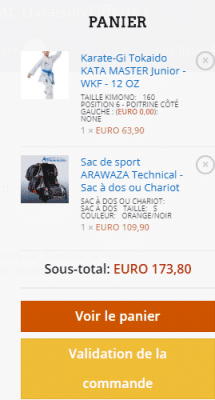
You can add as many products as you like to your basket.
You can also change the quantity of the products you have added to the basket by clicking on + or – in the QUANTITY column.
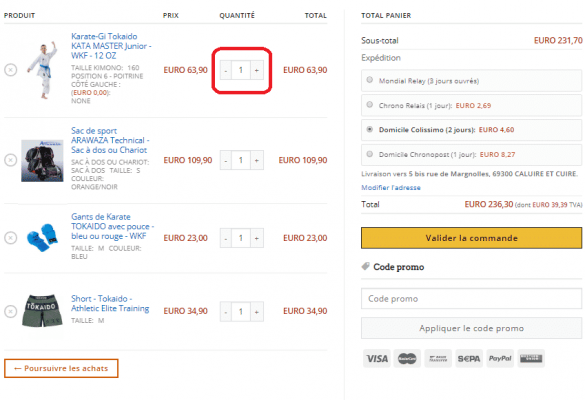
Once you’ve added all the products you’d like to order to your shopping basket, you can follow the checkout procedure.
If you have any problems adding products to your basket or placing your order, or if you need expert advice, please contact us at


